Introduction
Mobile app design plays a key role in user experience and engagement. A visually appealing interface helps attract users and keeps them engaged for longer. Images are an important part of this design process.
Choosing the right image format is essential for both performance and quality. PNG images are widely used in mobile apps because they offer high-quality visuals and support transparency. In this blog, we will explore how to use PNG images effectively while maintaining performance and design consistency.
Understanding PNG Format
PNG, which stands for Portable Network Graphics, is a lossless image format. This means that it retains all image data even after compression, ensuring that the final output remains sharp and detailed. This makes PNG a reliable choice for design elements that require precision.
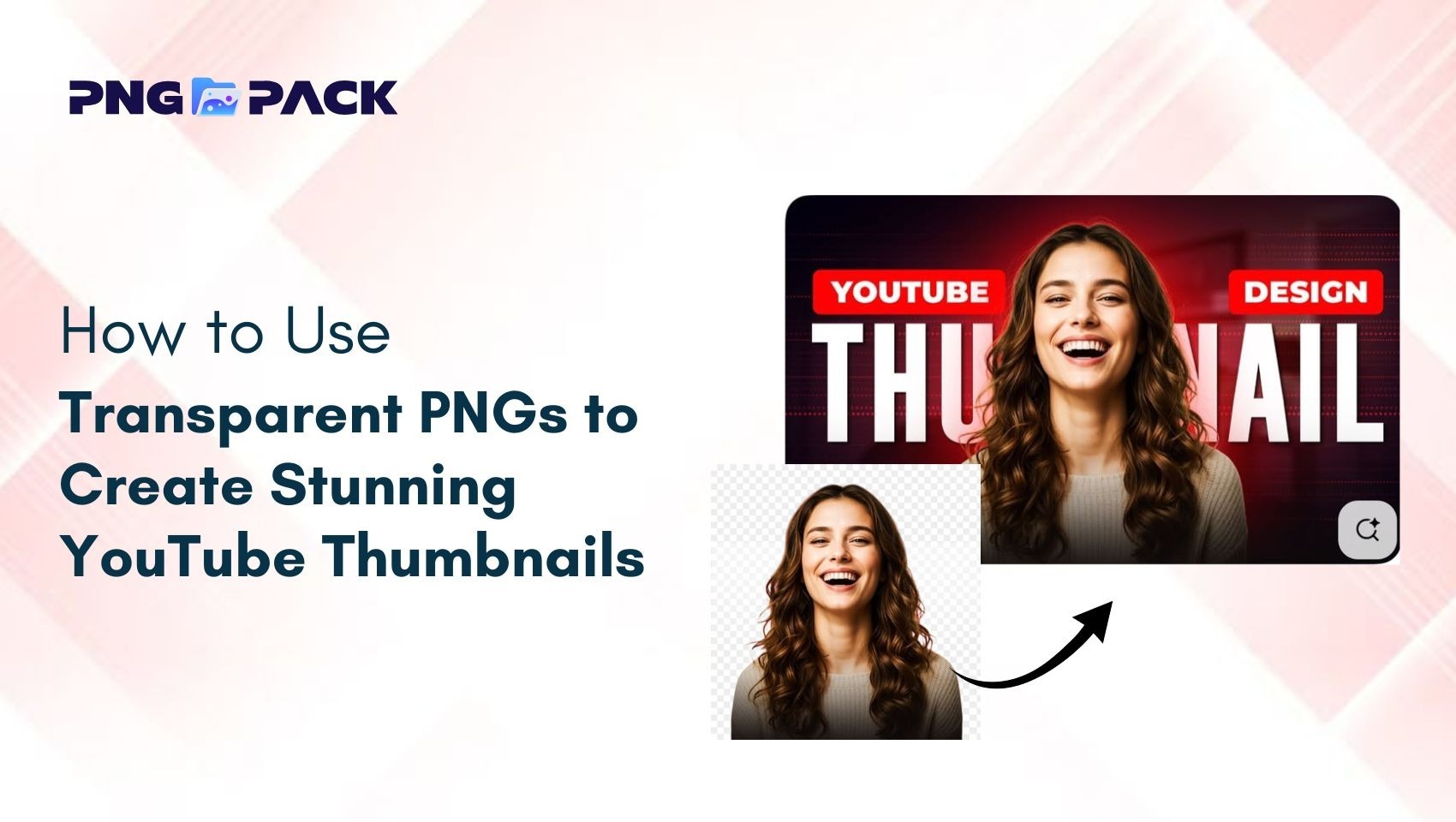
One of the standout features of PNG is its support for transparency through the alpha channel. This allows designers to create images without a background, making it easier to layer elements seamlessly within an app interface. Because of these advantages, PNG is commonly used for UI components where clarity, detail, and flexibility are essential.
When to Use PNG in Mobile Apps
PNG images are best suited for elements that require crisp edges and clear visibility. This includes icons, logos, buttons, and other interface components that are frequently used across mobile applications.
They are particularly useful when transparency is needed, such as overlay elements or designs that must adapt to different backgrounds. PNG ensures that these elements appear smooth and professional.
However, it is important to avoid using PNG for large images or photographs. These files tend to be heavier in size, which can negatively impact app performance and loading speed. In such cases, other formats may be more efficient.
Optimizing PNG File Size
While PNG images offer excellent quality, they can increase the overall size of your mobile app if not optimized properly. Large image files can slow down loading times and affect the overall user experience.
To prevent this, designers should use image compression tools that reduce file size without compromising quality. Adjusting image dimensions and removing unnecessary data can also help in optimization. By keeping PNG files lightweight, you can ensure faster loading speeds and smoother app performance, which are critical factors for user satisfaction.
Using Transparency Effectively
Transparency is one of the most powerful features of PNG images. It allows designers to create flexible UI elements that blend seamlessly with different backgrounds and layouts.
When used correctly, transparency enhances the visual appeal of an app by creating a clean and modern look. It also helps in layering elements without creating visual clutter.
However, excessive use of transparency can lead to larger file sizes and performance issues. The key is to use it strategically, focusing on simplicity and clarity in design.
Maintaining Design Consistency
Consistency is essential for building a professional and user-friendly mobile app. All visual elements, including PNG images, should follow a unified design style.
This includes maintaining consistent icon sizes, color schemes, and spacing throughout the app. A cohesive design system helps users navigate the app more easily and improves overall usability. Consistent visuals also strengthen brand identity, making the app more recognizable and trustworthy in the eyes of users.
Responsive Design & Image Scaling
Mobile devices come in a wide range of screen sizes and resolutions. To ensure that your app looks great on all devices, PNG images must be optimized for responsive design.
Using multiple image resolutions, such as standard and high-density versions, ensures that visuals remain sharp across different screens. Proper scaling techniques help prevent distortion and pixelation.
Testing your app on various devices is important to ensure that images display correctly and maintain their quality in every scenario.
Conclusion
PNG images are a powerful choice for mobile app design, offering high quality and transparency for clean UI elements. By learning how to optimize PNG images and using them in the right places, you can improve both design and performance. For the best results, combine PNG with the best image format for mobile apps and use high-quality transparent PNG images and UI design assets to build fast, visually appealing apps.