Introduction
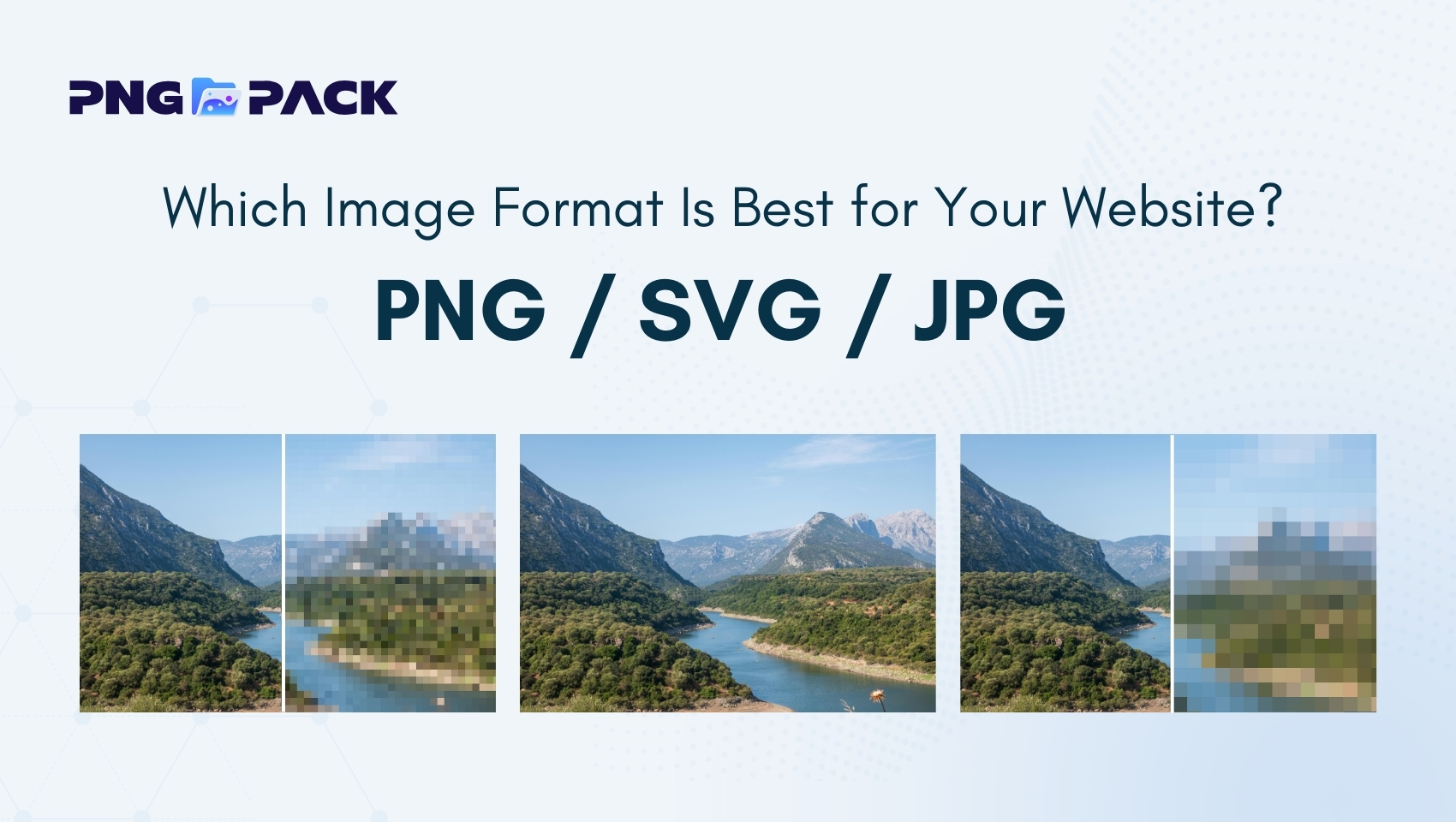
Choosing the right image format is crucial for creating a website that loads quickly, looks professional, and provides a good user experience. When it comes to web design, the decision between PNG vs SVG and JPG can make a significant difference. Each format has its strengths and weaknesses, and knowing when to use each can improve your website’s performance, visual quality, and SEO. In this guide, we’ll explain the differences, advantages, and best use cases for PNG, SVG, and JPG, helping beginners make the right choice for their websites.
Why Image Format Choice Matters for Websites
The image format you choose affects more than just how your website looks - it also impacts performance, user experience, and even search engine rankings. Here’s why selecting the right format is important:
- Page Loading Speed: Larger image files take longer to load, which can slow down your website. Slow-loading pages increase bounce rates, meaning visitors may leave before even seeing your content. Choosing the right format and compressing images properly ensures your website loads quickly.
- Image Quality: Different formats handle compression differently. JPG uses lossy compression, which can reduce quality if overused, while PNG preserves details with lossless compression. SVG images, being vector-based, remain sharp at any size. Picking the right format ensures your images look crisp and professional.
- User Experience: Visitors are more likely to engage with websites that look good and load fast. Blurry images, pixelation, or slow-loading graphics can frustrate users and reduce trust in your site. The right image format ensures a smooth, visually appealing experience.
- SEO Impact: Search engines prioritize fast, user-friendly websites. Optimized images in the correct format help reduce page load times, improve Core Web Vitals, and boost your site’s SEO ranking. Proper image usage also increases accessibility when combined with alt text.
- Device Compatibility: Modern websites are accessed from desktops, tablets, and smartphones. Choosing the right format ensures images scale correctly, maintain clarity, and look consistent across all devices.
By understanding the differences between PNG, SVG, and JPG, and knowing the strengths of each format, you can ensure your website is not only visually appealing but also high-performing and SEO-friendly.
What Is a PNG Image?
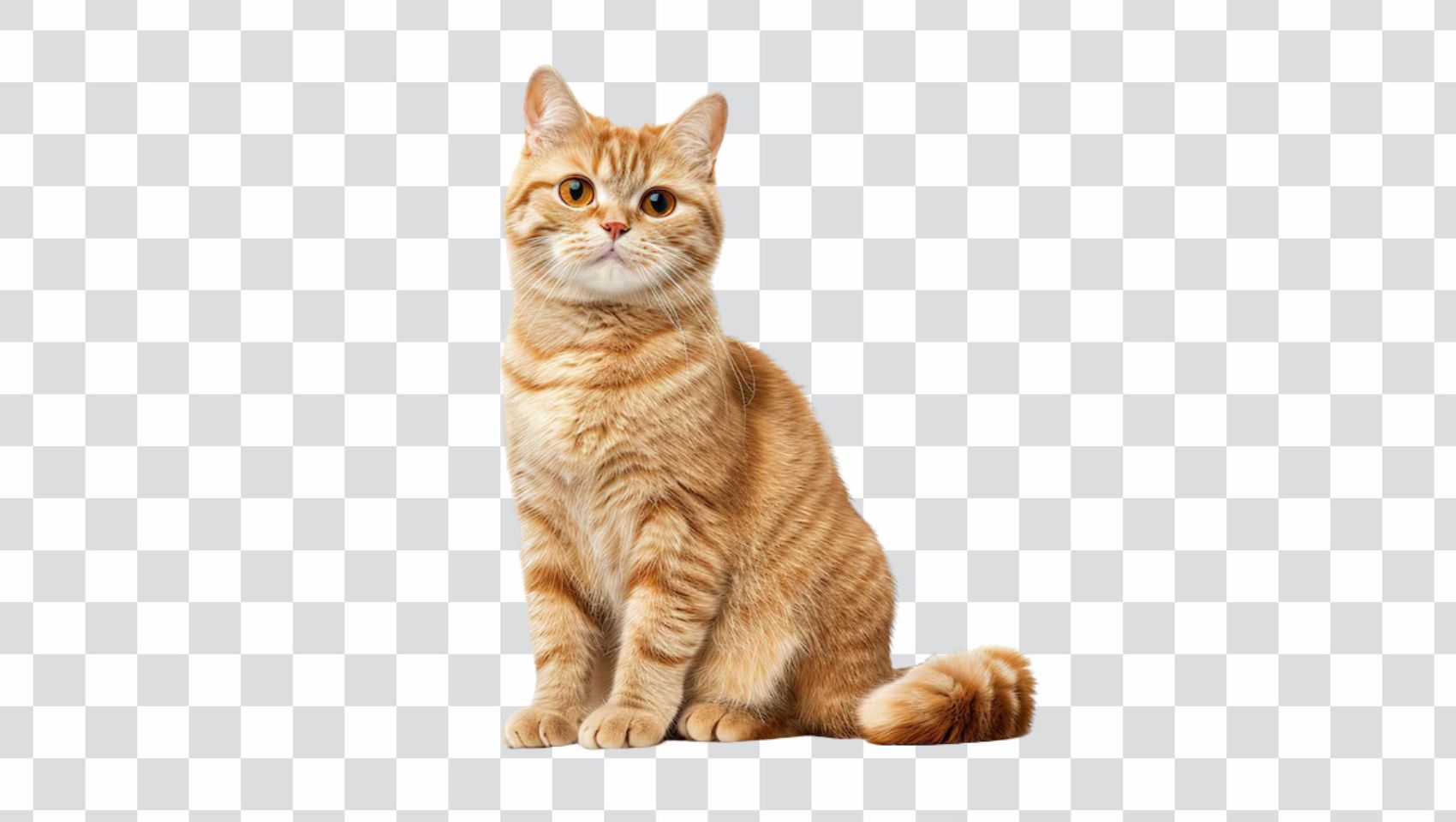
PNG (Portable Network Graphics) is a raster image format widely used for web graphics. Unlike some other formats, PNG preserves every detail of an image without losing quality, making it ideal for graphics that need to remain sharp and clear.
Key Features of PNG:
- Lossless Compression: PNG retains all image details, ensuring crisp lines and high-quality visuals.
- Transparency Support: PNG supports transparent backgrounds, making it perfect for logos, icons, and overlays.
- High Detail: Ideal for screenshots, illustrations, and graphics with text.
Advantages:
- Excellent image quality
- Supports transparency for creative designs
- Maintains clarity for detailed graphics
Limitations:
- Larger file size compared to JPG
- Not ideal for photographs or large images due to slower loading times
What Is an SVG Image?
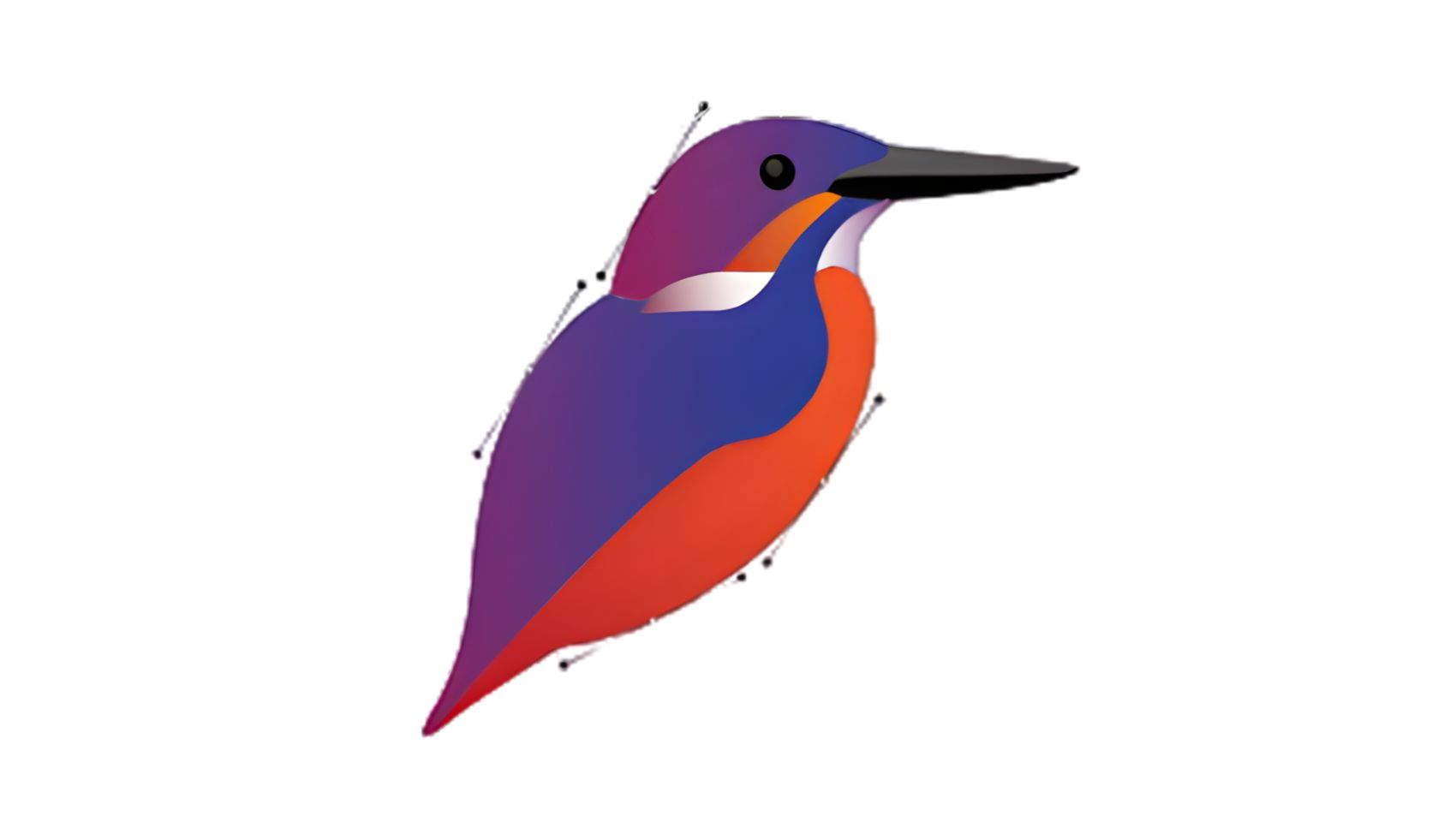
SVG (Scalable Vector Graphics) is a vector-based image format that differs from PNG and JPG because it is made of mathematical formulas rather than pixels. This allows SVG images to scale infinitely without losing quality, making them perfect for responsive web design.
Key Features of SVG:
- Scalable Without Loss: SVGs can be resized for any screen size without becoming blurry or pixelated.
- Lightweight: Small file sizes for simple graphics, which improves page load times.
- Editable and Interactive: SVGs can be modified with code and even animated for dynamic web effects.
Advantages:
- Infinitely scalable for all devices
- Editable via code for customization and animation
- Ideal for icons, logos, and UI elements
Limitations:
- Not suitable for complex images or photographs
- Requires basic knowledge for editing advanced features
What Is a JPG Image?
JPG (or JPEG) is a raster image format designed for photographs and images with rich colors. It uses lossy compression, which reduces file size but may slightly decrease image quality. JPG is the most common format for photos on websites due to its balance between quality and file size.

Key Features of JPG:
- Lossy Compression: Shrinks file size while maintaining acceptable quality for photos.
- Color Richness: Supports millions of colors, making it perfect for detailed images.
- Web-Friendly: Smaller file sizes help web pages load faster.
Advantages:
- Great for photographs and colorful images
- Widely supported by browsers and devices
- Efficient for website performance
Limitations:
- Loses quality if compressed repeatedly
- Does not support transparency
- Not ideal for graphics with text or sharp edges
Which Image Format Is Best for Your Website?
Choosing the right image format depends on the type of image and its purpose on your website. There’s no single “best” format—each has its strengths. Here’s a guide to help you decide:
1. Logos and Icons → SVG
- SVGs are vector-based, which means they can scale to any size without losing quality.
- Perfect for responsive websites where images need to look sharp on all devices.
- Ideal for simple graphics, logos, icons, and UI elements.
2. Graphics with Transparency → PNG
- PNG supports transparent backgrounds, making it perfect for overlay images, buttons, or charts.
- Maintains high quality for illustrations or graphics with sharp edges.
3. Photographs and Banners → JPG
- JPG is best for colorful images, photos, or backgrounds.
- Its compression reduces file size, helping your website load faster.
- Ideal for blogs, product images, or promotional banners.
4. Simple Web Graphics → SVG or PNG
- For charts, infographics, or minimal illustrations, SVG is scalable and lightweight.
- PNG works well if transparency or detailed edges are needed.
5. Performance Consideration:
- Using the right format reduces file size and improves website speed.
- Combine format choice with image optimization tools to maintain quality while improving loading time.
Common Beginner Mistakes to Avoid
- Using PNG for Large Photos – PNG files are heavy and can slow down your website if used for photographs.
- Scaling JPG Images Too Much – Enlarging JPGs beyond their original size leads to blurry or pixelated images.
- Ignoring SVG for Logos and Icons – Using PNG for logos can make them appear blurry on large screens.
- Not Optimizing Images – Uploading uncompressed images increases page load time and affects SEO.
- Using JPG for Transparent Images – JPG doesn’t support transparency, resulting in unwanted backgrounds.
- Neglecting Mobile Optimization – Images that look fine on desktop may appear too large, small, or blurry on mobile devices.
Conclusion
Understanding the differences between PNG vs JPG and SVG is essential for building a website that looks professional, loads quickly, and provides a smooth user experience. JPG is best for photos, PNG works well for graphics with transparency, and SVG is perfect for logos, icons, and scalable illustrations.
For beginners, PNGPack is a great resource for free image downloads to use on websites and designs. By choosing the right format and optimizing images, you can create a fast, visually appealing, and user-friendly website across all devices.